Adding a Casino Shortcut to Your Android Home Screen
Android shortcuts are a closed system of rules. Constraints, permissions, intent definitions. Beautiful, actually. Let me walk through how to set one up and what each piece does.
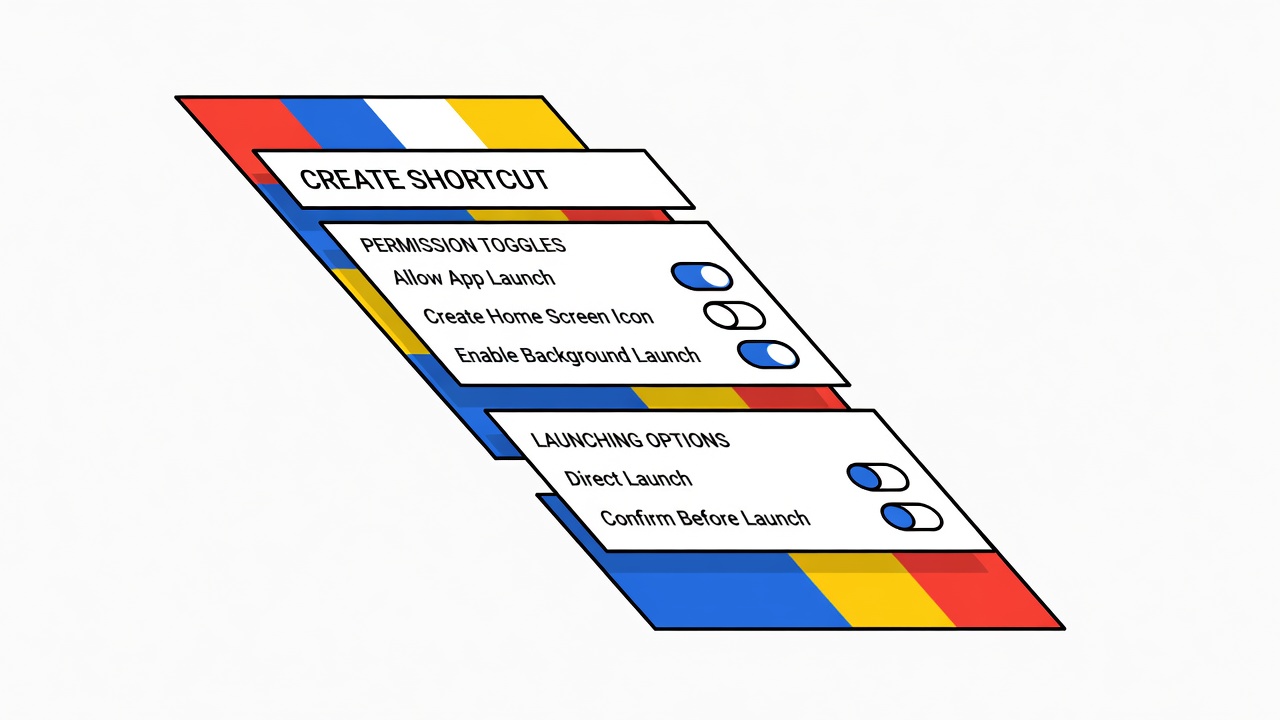
The Mechanism
First, the basic idea: Android shortcuts are not bookmarks. Bookmarks are passive links. A shortcut is executable intent. When you tap it, it triggers a specific action on a specific application with specific parameters.
The casino app lives in Android's app directory. You access it by declaring an intent: the package name (com.stake or whatever), the activity (the particular screen you want to open), and optional parameters (deep links, data to pass in).
Method One: Direct Shortcut
Long-press on your home screen. Tap Widgets. Find Shortcuts. On newer Android versions, this will be under "Apps & Widgets." Tap Shortcuts. Scroll until you find your casino app. Tap it. Select which activity you want. Drag to home screen. Done.
What happened: Android read the casino app's manifest file, found all the exportable activities (screens the app allows outsiders to link to), and presented them as options. You selected one. Android created a shortcut file pointing to that exact activity.
Method Two: Manual Deep Link
Some apps support deep linking. The casino app will have a URL scheme, something like stake://deposit or betking://slots/mega-moolah. You can create a shortcut manually without needing the app's widget.
Long-press home screen. Add widget. Find Shortcut Maker (a free app, search Google Play). Open Shortcut Maker. It will scan your installed apps. Find your casino. It will show you all the available deep links and activities. Select the one you want. Confirm. Add to home screen.
The technical part: Shortcut Maker is reading the AndroidManifest.xml file in the casino app's APK. This file declares which activities exist and whether they're publicly accessible. If an activity is marked android:exported="false", you cannot shortcut to it. The casino app team chose whether to expose each screen or hide it.
Method Three: Tasker Automation
For advanced users. Tasker is an automation app that lets you build complex conditional flows. You can create a Tasker task that opens the casino app, waits for it to load, then navigates to a specific screen using app-specific automation.
This is overkill for a simple shortcut. But it's useful if the casino app doesn't expose deep links and you want to automate something like opening the deposits page every time you tap a shortcut.
The Constraint
Some casino apps prevent home-screen shortcuts because they treat direct access to specific screens as a security concern. If you long-press and don't see your casino app listed under Shortcuts, the app's developer has opted out.
Why? Fear that shortcuts could be exploited to bypass login screens or access restricted features. This is more paranoia than reality, but the constraint exists.
Parameters and Deep Links
If your casino uses deep links, the link itself is a string that the app interprets. Examples:
stake://account (go to account settings) nitrogen://promotions/reload-bonus (go to reload bonus page)
The casino app team decides which links work and what they do. These are hardcoded into the app. You can create a shortcut pointing to any valid link.
You cannot invent a link and expect it to work. The app has to handle it.
Practical Setup
Most casino apps export at least three activities: Launcher (the main screen), LoginActivity, and Deposits. If you want a direct link to deposits, you can shortcut to that activity without going through the login screen.
Steps: Long-press home screen. Widgets. Shortcuts. Find app. Tap it. Scroll through activities. Look for one named DepositActivity or similar. Tap it. Confirm. Done.
The shortcut now sits on your home screen. Tapping it opens the casino app and immediately navigates to the deposits screen. No login wall in between, assuming you're already logged in.
This is the closed system working as intended: constrained, predictable, exploitable only within defined boundaries.
Next notes
More from #mobile
Mobile Notifications from Casino Apps: Managing Them Responsibly
The push notification is the casino industry's version of the well-dressed floorman who knows your name and your limit and appears when you're down three thousand.
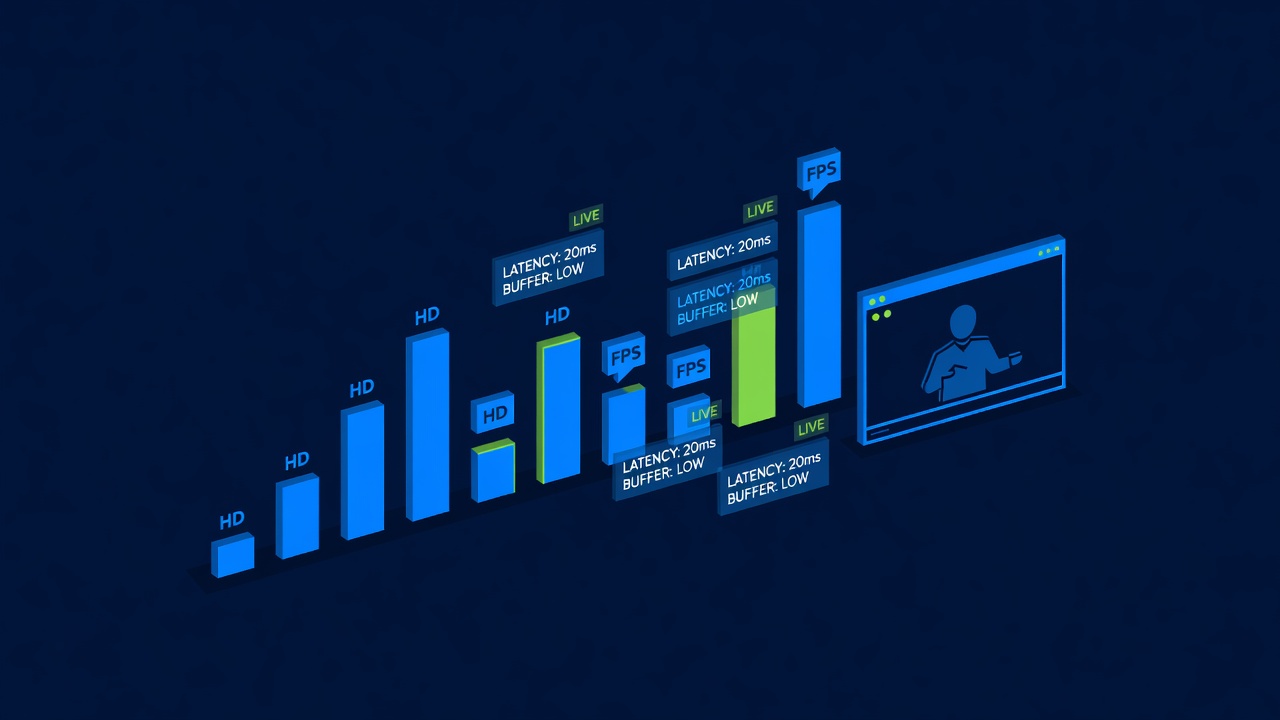
Testing Your Mobile Connection Speed for Live Casino Play
Explains hidden systems that operators depend on. testing your mobile connection speed for live casino play requires both knowledge and discipline.
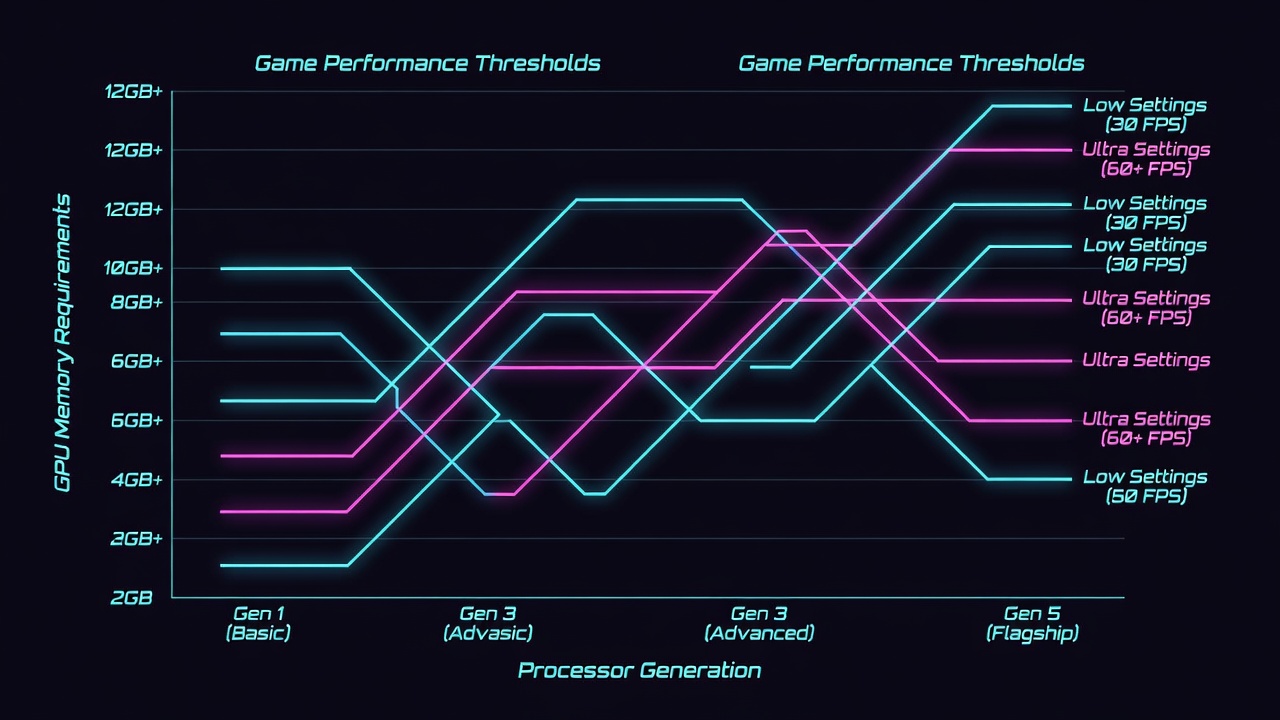
Why Some Casino Games Don't Work on Older Phones
Phone hardware hasn't improved linearly. A 6-year-old device hits walls in bandwidth, GPU power, and RAM that make certain games unplayable.
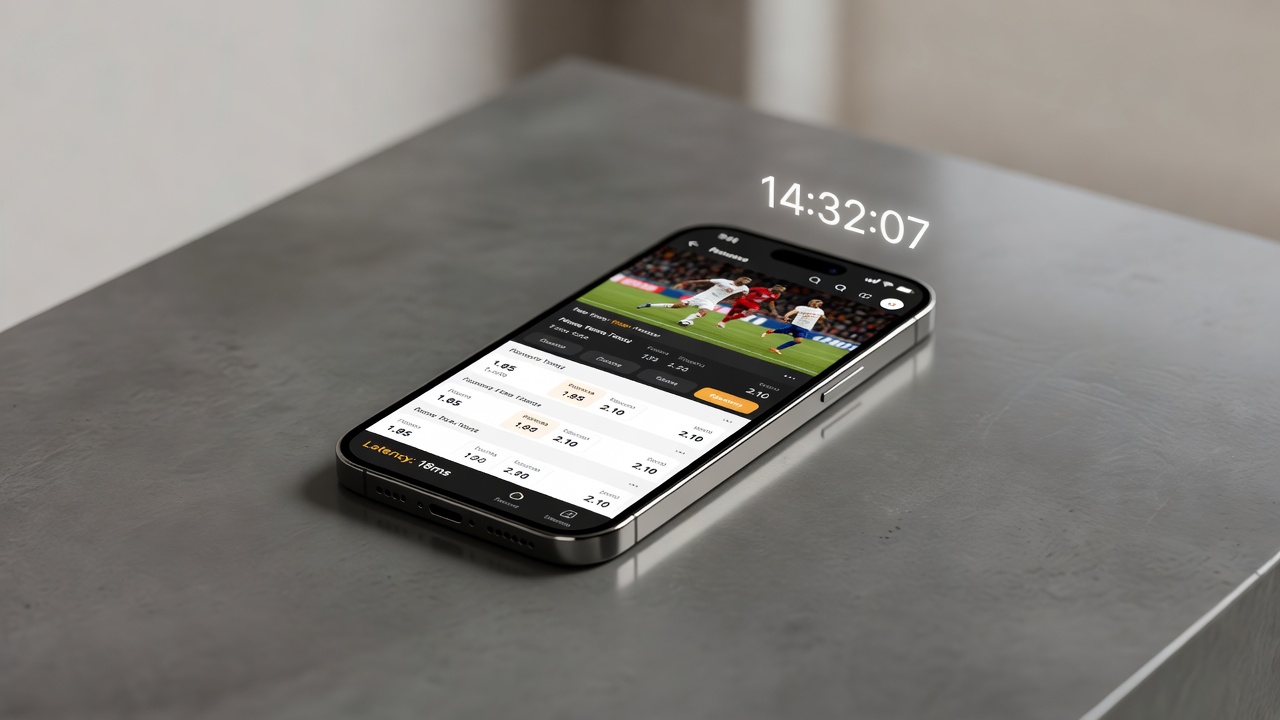
In-Play Betting on Mobile: Tips for Smooth Performance
In-play betting moves fast. Network lag, app crashes, and UI delays become tangible costs when you have seconds to decide.
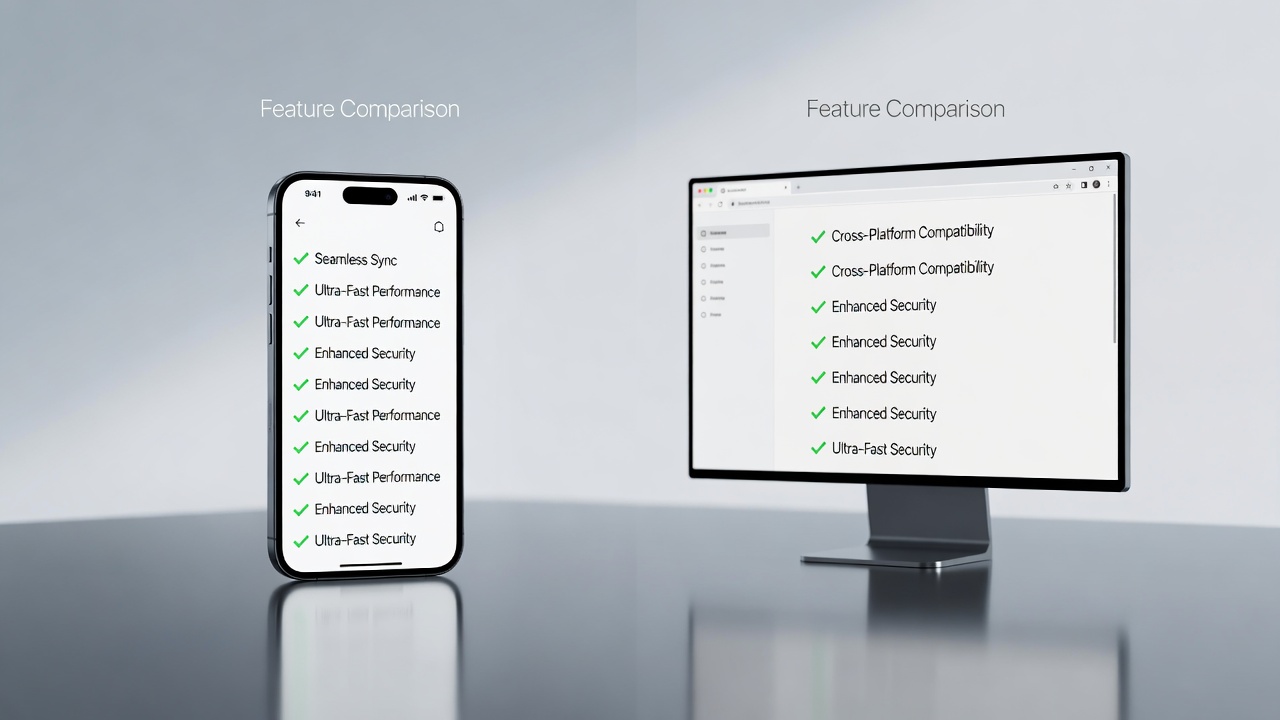
Mobile Casino Apps vs Mobile Browser: Which Should You Use?
In 1996, you needed software to do anything on a computer. Now you need to decide whether to download an app or use the browser. This is a decision that sounds trivial but carries implications.
Touch ID and Face ID Login for Casino Apps
Biometric login is a technological convenience that reduces the cost of account access. This changes the gambler's subjective time-preference calculation.